
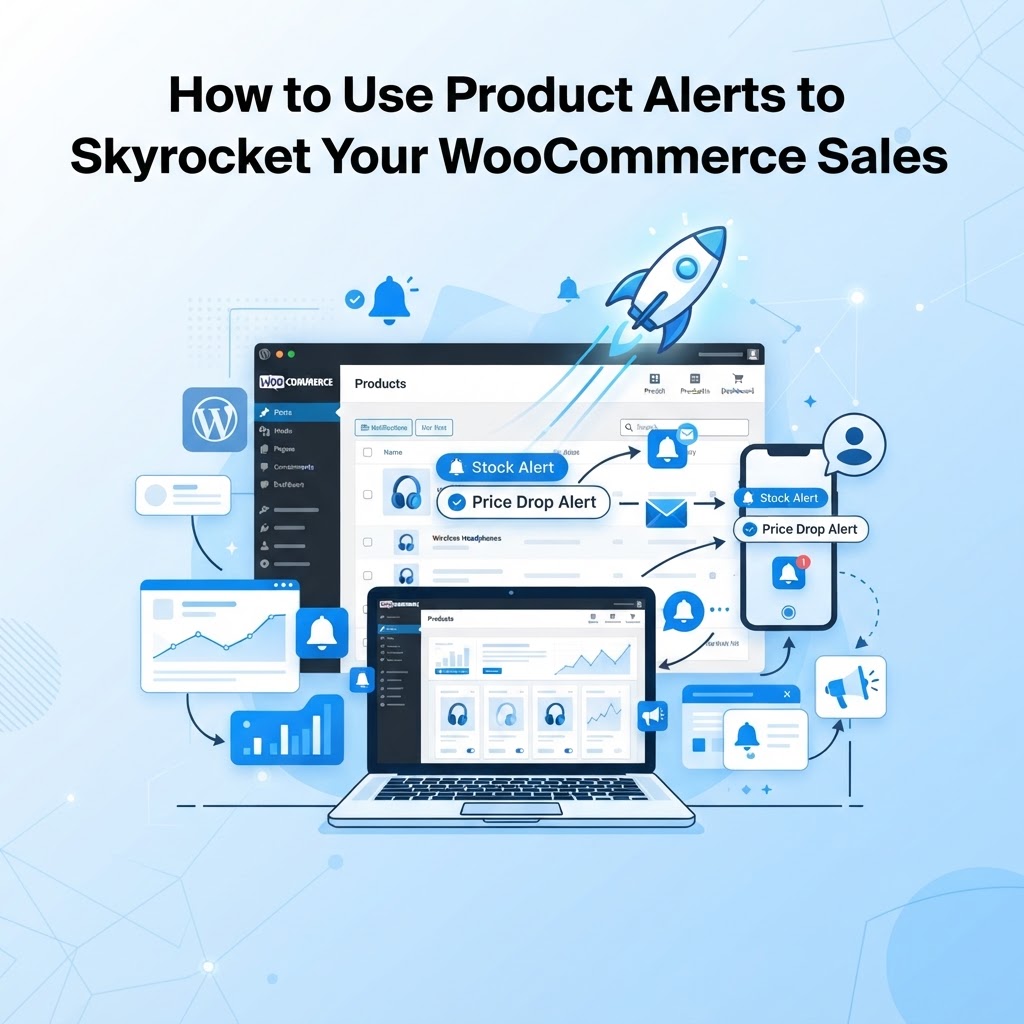
Why Product Alerts are a Game-Changer for WooCommerce Stores
In the competitive world of e-commerce, losing a potential customer simply because an item is out of stock is a massive missed opportunity. Many store owners view an 'Out of Stock' label as the end of a transaction, but it should actually be the beginning of a conversation. By implementing product alerts, you transform a dead-end into a powerful marketing channel that keeps your brand top-of-mind.
At Unstoppable Solutions, we have seen time and again that customers who take the time to sign up for a restock notification have a significantly higher purchase intent than the average browser. They are telling you exactly what they want to buy; you just need to ensure they know when it arrives.
Turn 'Out of Stock' Into 'Revenue in Progress'
The primary benefit of product alerts is inventory-driven demand generation. Instead of customers leaving your site when an item is unavailable, they subscribe to be notified. This builds your mailing list and creates a backlog of demand, which can help you forecast future inventory needs more accurately.
Best Practices for Effective Alerts
- Keep the Call-to-Action (CTA) visible: Place your 'Notify Me' button prominently near the product price.
- Leverage urgency: When the item is back in stock, mention the limited quantity in your notification email to encourage faster conversion.
- Segment your list: Use the data collected from these alerts to offer personalized recommendations for similar items if the original product is discontinued.
How to Implement Restock Notifications
While you can code a custom solution using WordPress hooks, most store owners benefit from a dedicated plugin to manage the queue and send automated emails. If you are a developer looking to hook into the WooCommerce stock status, here is how you might programmatically check stock levels:
add_action( 'woocommerce_before_add_to_cart_form', 'check_stock_and_display_alert' );
function check_stock_and_display_alert() {
    global $product;
    if ( ! $product->is_in_stock() ) {
        echo '<p class="stock-alert-message">This item is currently sold out. Subscribe below for a restock update!</p>';
    }
}
For a more robust system, you should look for a solution that handles email queueing, GDPR compliance, and integrates directly with your existing WordPress mailing list tools.
Strategic Ways to Use Alerts to Increase Sales
Beyond just restocks, consider using product alerts for price drops. If a customer is eyeing a high-ticket item, a notification when the price drops can be the final nudge needed to complete the purchase. This strategy works particularly well for seasonal sales or clearing out old inventory.
Another powerful technique is the 'Low Stock' alert for users who have previously browsed an item. By pairing these with an automated email sequence, you create a sense of scarcity that drives shoppers back to your WooCommerce checkout page.
Ensuring Your Store Remains Fast
One common mistake store owners make is using heavy plugins that slow down their site. When choosing an alerting system, ensure it utilizes WordPress best practices, such as leveraging Action Scheduler for background processing. You want your sales tools to work silently in the background without impacting your page load speeds, which are crucial for SEO.
Ready to Unlock Your Store’s Full Potential?
Managing inventory and customer expectations shouldn't feel like a full-time job. By automating your product alerts, you can reclaim lost revenue and build a more loyal customer base without adding to your daily workload.
At Unstoppable Solutions, we build tools specifically designed to help WooCommerce store owners scale efficiently. If you are looking to boost your store's performance with smart, reliable plugins, explore our full collection of WooCommerce solutions at unstoppablesolutionswp.com and start turning your 'Out of Stock' items into your biggest sellers today.
Want to see how your site is really performing in search? Run a free WordPress SEO audit using your own Google Search Console data to spot quick-win opportunities and climb the rankings.
Need a hand putting any of this into practice? The unstoppable solutions support team is ready to help.