
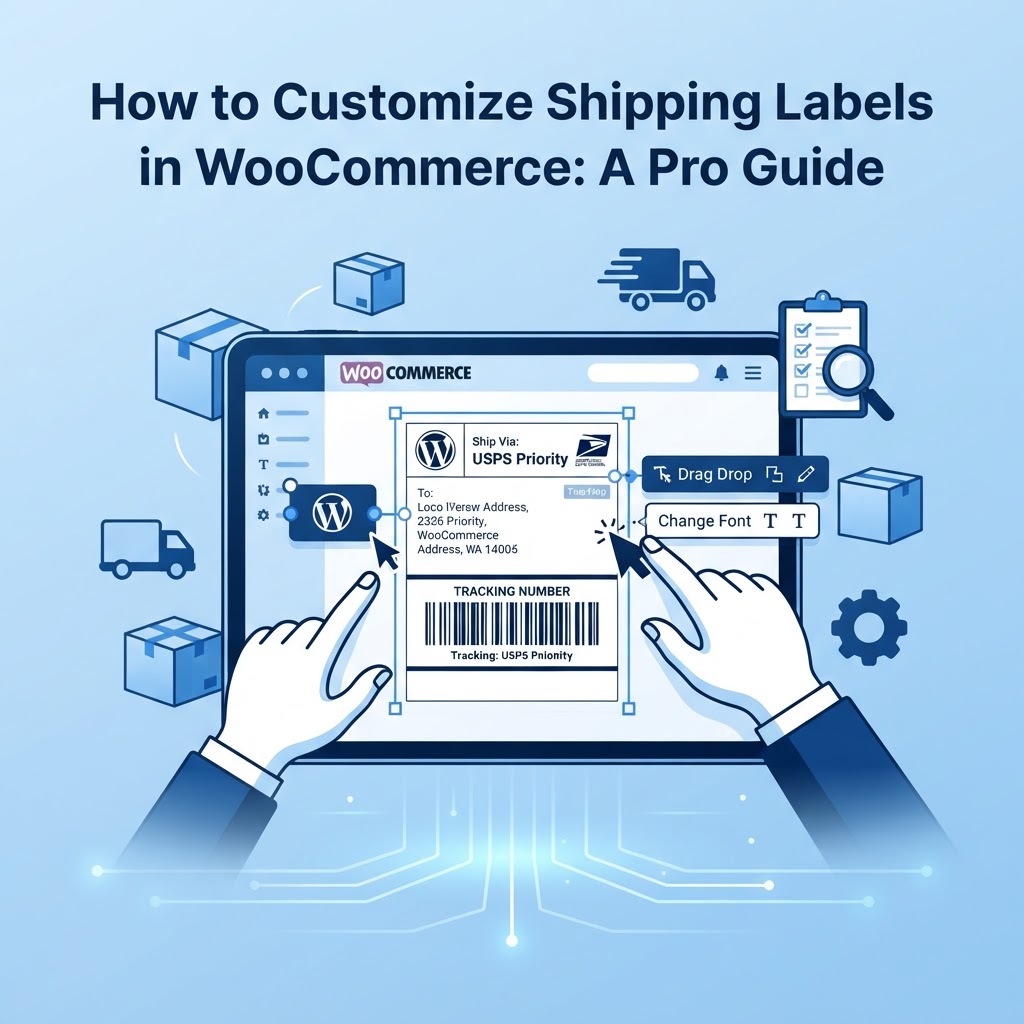
Introduction: Why Your Shipping Labels Matter For WooCommerce store owners, shipping labels are more than just a requirement for couriers—they are a critical touchpoint in your customer's post-purchase experience. Whether you are scaling your operations or looking to reduce manual errors, learning how to customize shipping labels is a vital skill. At Unstoppable Solutions, we believe that every element of your store should reflect your brand professionalism. In this guide, we will explore the best ways to personalize your labels effectively. ## The Importance of Brand Consistency Professional shipping labels do more than provide tracking information; they reinforce your brand. By adding your logo, adjusting the layout, or including custom order notes, you turn a standard utility into a branded asset. When your customers receive a package that looks polished, it increases trust and improves the chances of repeat business. ## Options for Customizing Shipping Labels There are three primary ways to handle shipping labels in WooCommerce: 1. Default WooCommerce Shipping Methods: These are often limited in design functionality. 2. Third-Party Plugins: This is the most common path for store owners. Plugins provide drag-and-drop editors and integration with major carriers like UPS, FedEx, or USPS. 3. Custom Code (Advanced): For developers who want total control over the output, you can hook into WooCommerce's template system. ## Using Custom Code to Modify Labels If you have a specific requirement, such as adding a custom SKU or a marketing message, you can use a custom function in your theme's functions.php
file or a site-specific plugin. Here is a basic example of how to hook into the label generation process: php add_filter( 'woocommerce_shipping_label_data', 'us_custom_label_data' ); function us_custom_label_data( $data ) { $data['custom_message'] = 'Thank you for shopping with Unstoppable Solutions!'; return $data; }
Note: Always perform code changes in a staging environment to ensure site stability. ## Best Practices for Shipping Workflow 1. Automate Whenever Possible: Manual data entry leads to human error. Ensure your shipping label plugin syncs directly with your WooCommerce order status. 2. Standardize Label Size: Stick to the industry standard 4x6 inch format. This ensures compatibility with thermal printers and reduces troubleshooting headaches. 3. Include Essential Data: Aside from the shipping address, ensure your labels include a clear return address, a scannable barcode, and an order number for easy reference. ## Choosing the Right Tools When evaluating plugins, look for features like bulk label printing, automatic tracking number submission back to WooCommerce, and support for multiple shipping carriers. Avoid 'bloatware' that slows down your site; at Unstoppable Solutions, we emphasize performance-first coding standards to keep your store running fast. ## Elevate Your Store Today Customizing your shipping labels is a small change that yields significant professional results. By streamlining your logistics, you create more time to focus on what you do best—growing your business. Are you ready to take your WooCommerce store to the next level? Explore our suite of performance-optimized WordPress plugins at Unstoppable Solutions and see how we help store owners succeed every day.
functions.phpphp add_filter( 'woocommerce_shipping_label_data', 'us_custom_label_data' ); function us_custom_label_data( $data ) { $data['custom_message'] = 'Thank you for shopping with Unstoppable Solutions!'; return $data; }